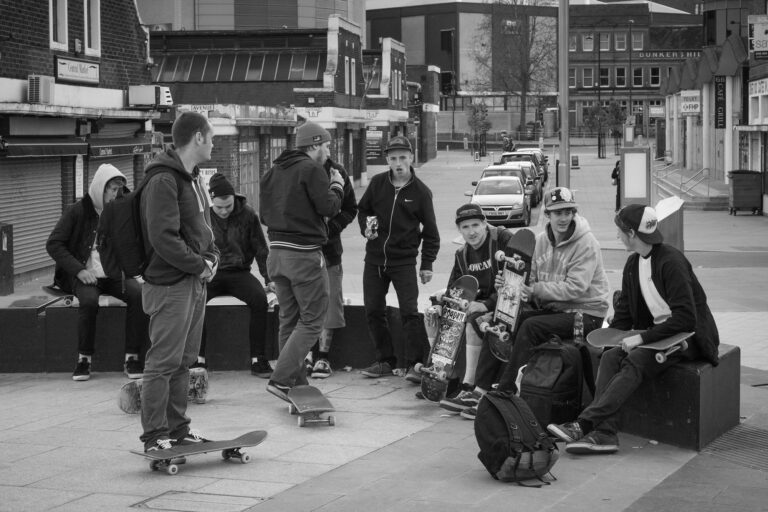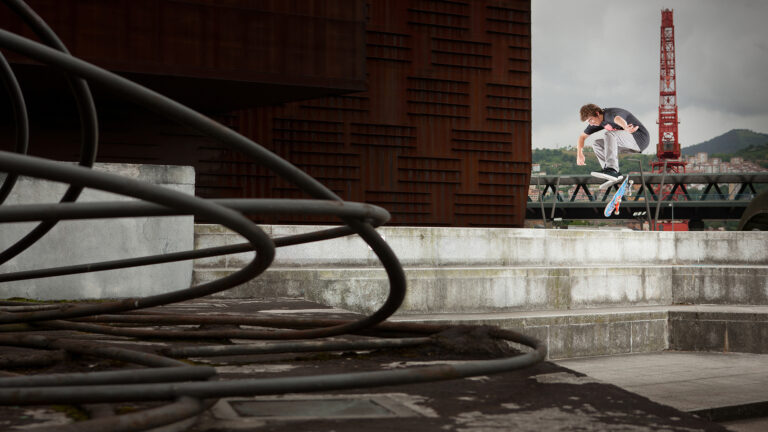
Photo: Chris Johnson. Select the correct size wallpaper for your computer, click on the image to enlarge, then right click “set image as desktop background”. Alternatively,...
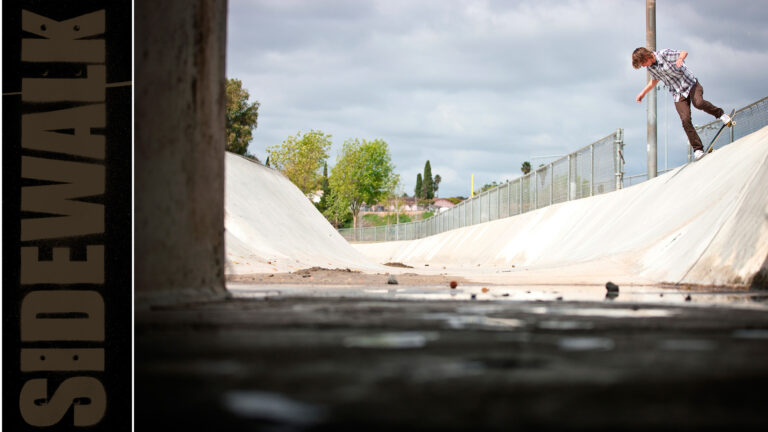
Photo: Chris Johnson. Select the correct size wallpaper for your computer, click on the image to enlarge, then right click “set image as desktop background”. Alternatively,...
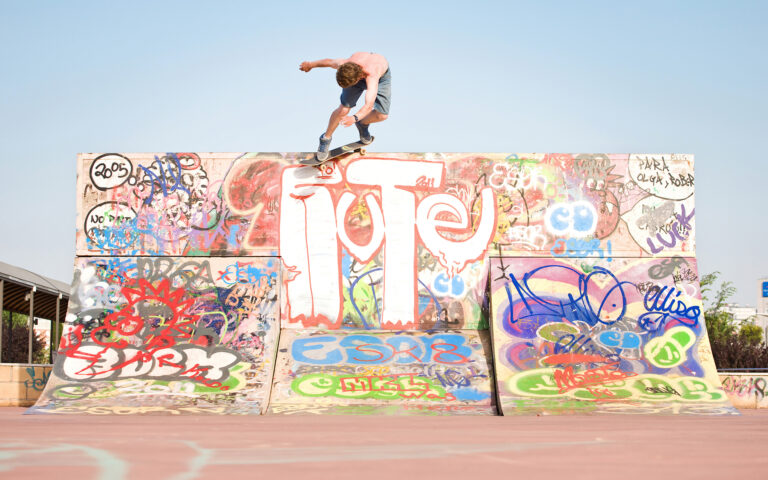
Photo: Chris Johnson. Well, seems as it’s nearly Christmas, here’s an additional wallpaper for you this week – a proper double dose of Scotland for your...
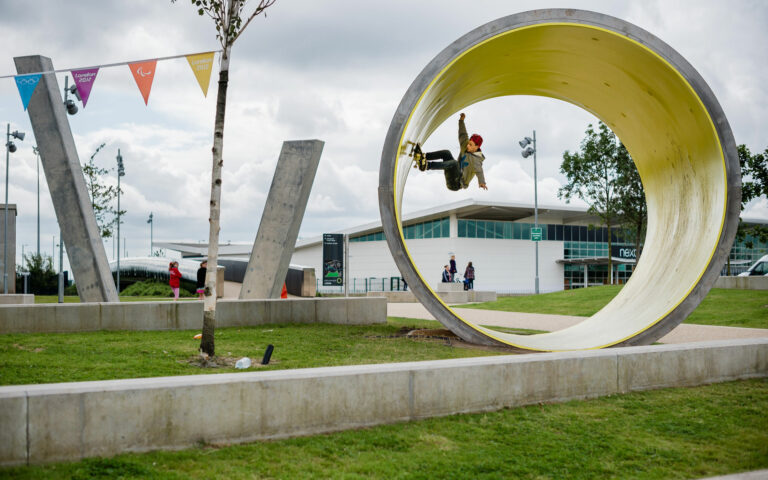
Photo: Sam Ashley. Select the correct size wallpaper for your computer, click on the image to enlarge, then right click – “set image as desktop background”....
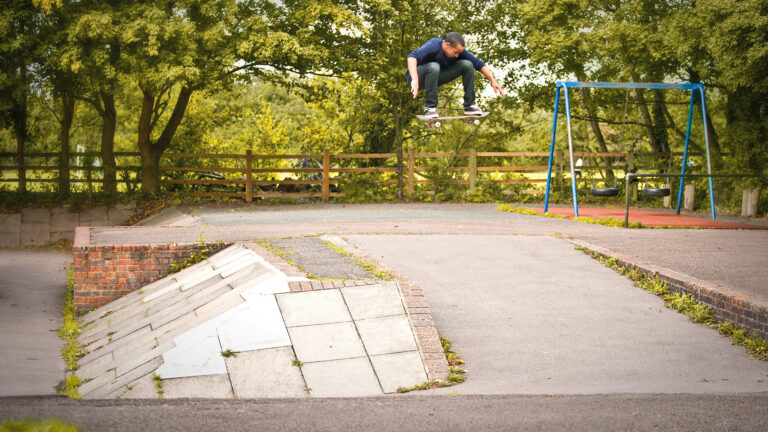
Photo: Chris Johnson. Select the correct size wallpaper for your computer, click on the image to enlarge, then right click “set image as desktop background”. Alternatively,...
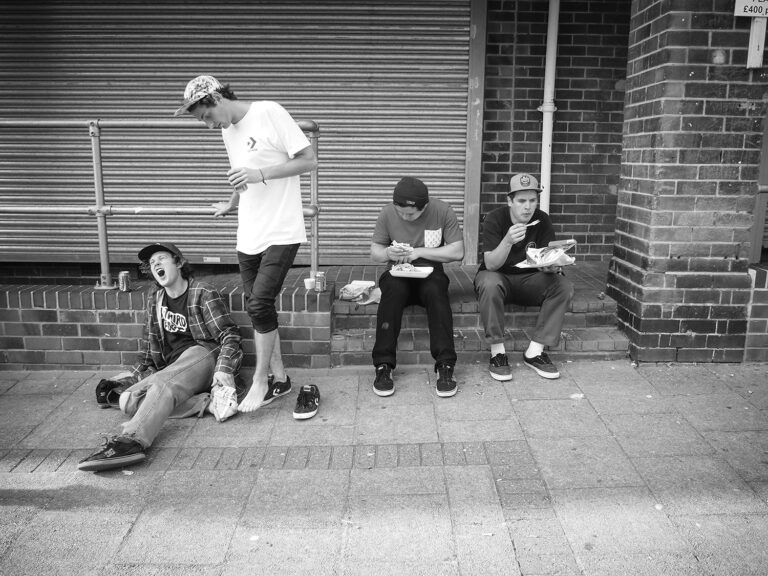
Chris Johnson brings you the third and final installment of his Extension from the A Third Foot “Enduring Injury” article, following the collected ATF crew...
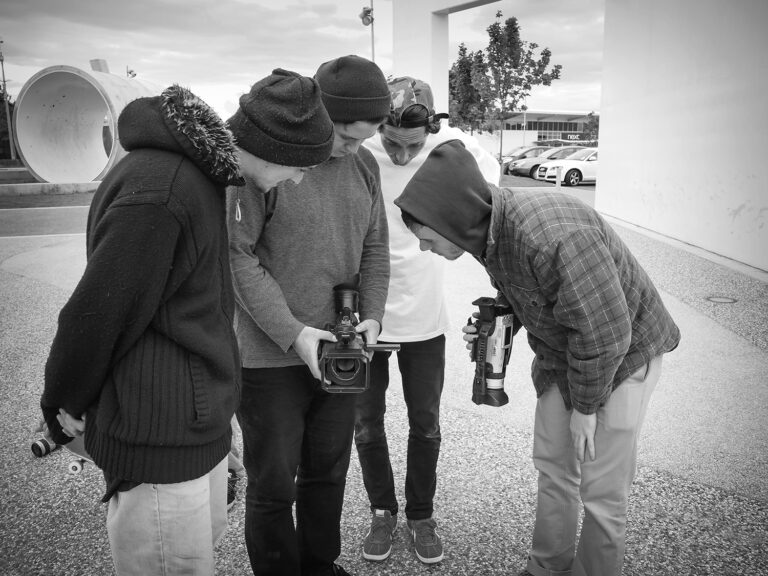
Chris Johnson brings you the second part of his Extension from the A Third Foot “Enduring Injury” article, following the collected ATF crew on their...
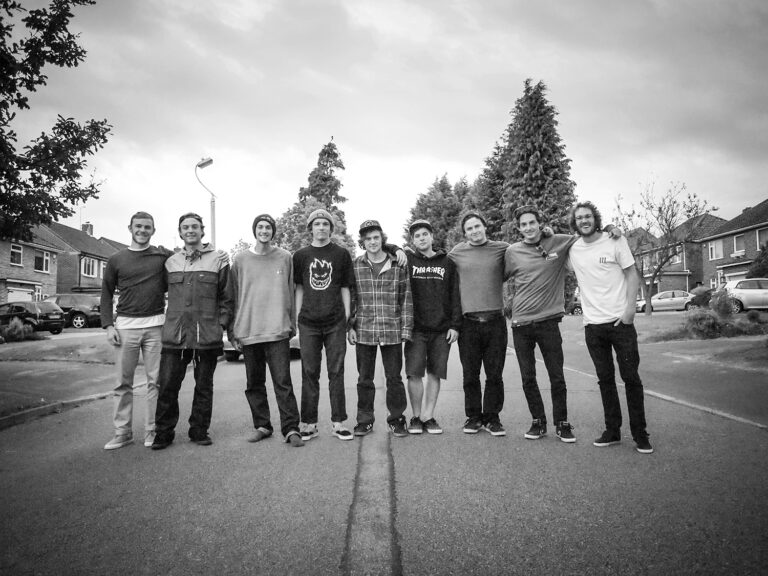
Following on from the full article in the latest mag and Jim Craven’s webclip which dropped late last week, Chris Johnson has come through with...
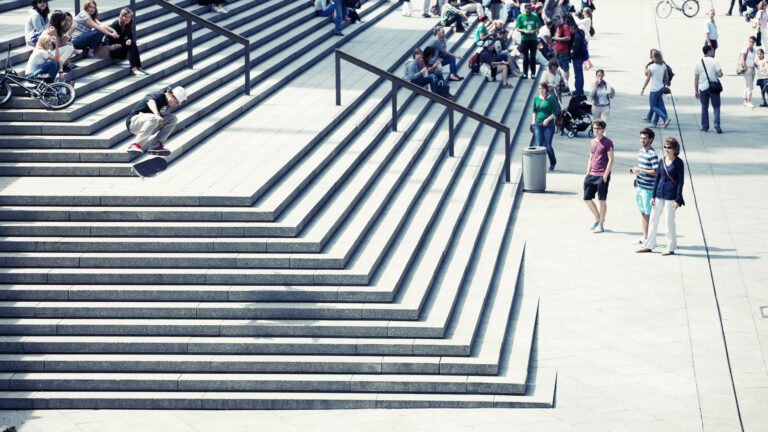
Photo: Sam McGuire. Select the correct size wallpaper for your computer, click on the image to enlarge, then right click “set image as desktop background”. Alternatively,...
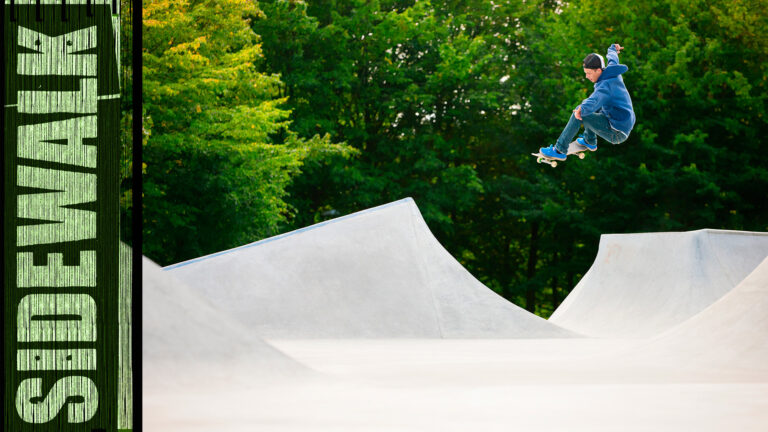
Photo: Chris Johnson. Select the correct size wallpaper for your computer, click on the image to enlarge, then right click “set image as desktop background”. Alternatively,...
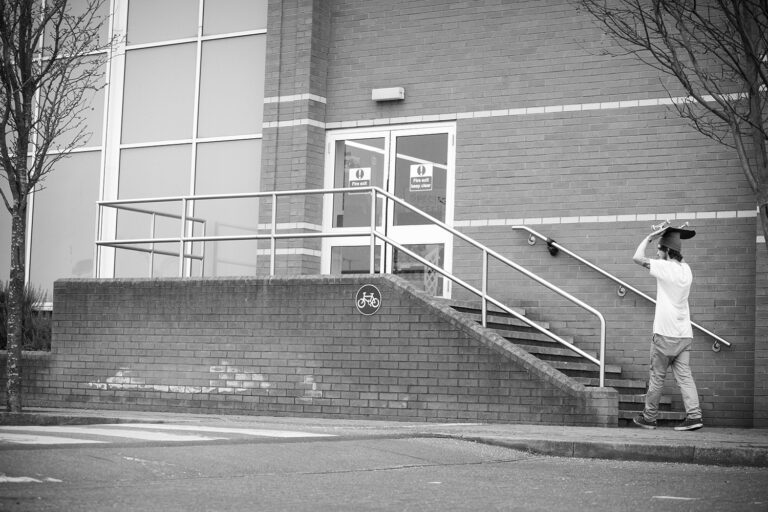
Chris Johnson brings you the second round of his exclusive “What’s Cookin’?” gallery, made up of photos gathered whilst rolling with the Get Lesta crew...
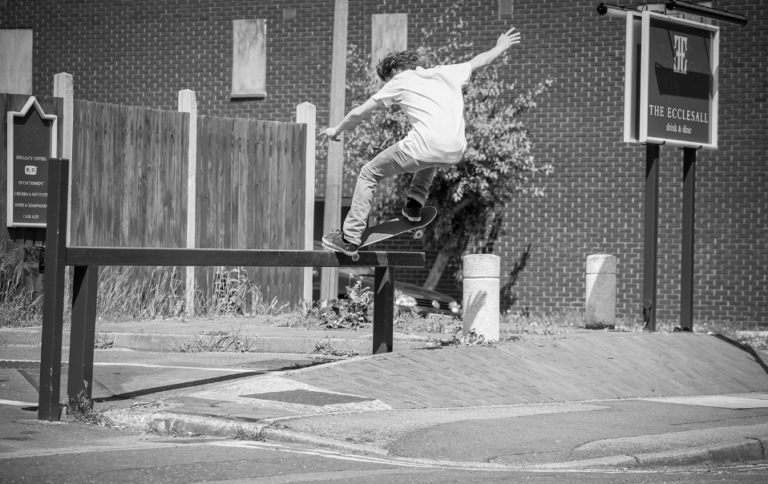
Over the course of the last 18 months, Chris Johnson has spent his fair share of time around the Midlands with the Get Lesta crew...
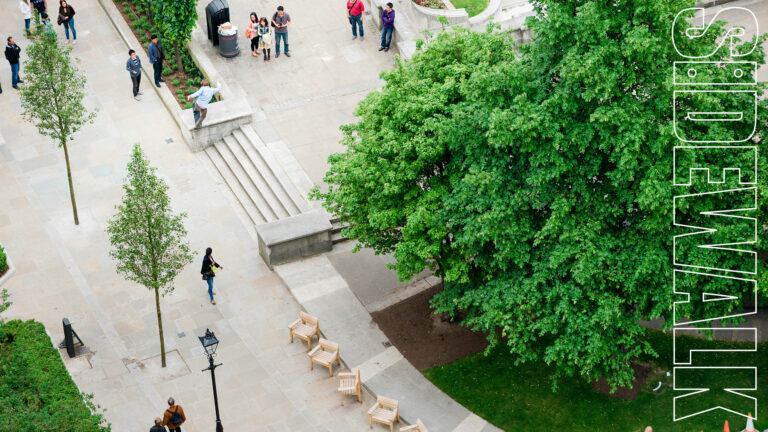
Photo: Sam Ashley. Select the correct size wallpaper for your computer, click on the image to enlarge, then right click “set image as desktop background”. Alternatively,...
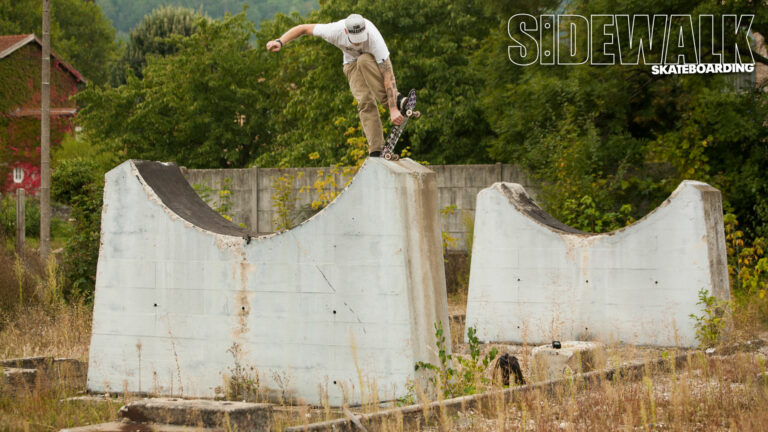
Photo: Andrew Horsley. Select the correct size wallpaper for your computer, click on the image to enlarge, then right click “set image as desktop background”. Alternatively,...
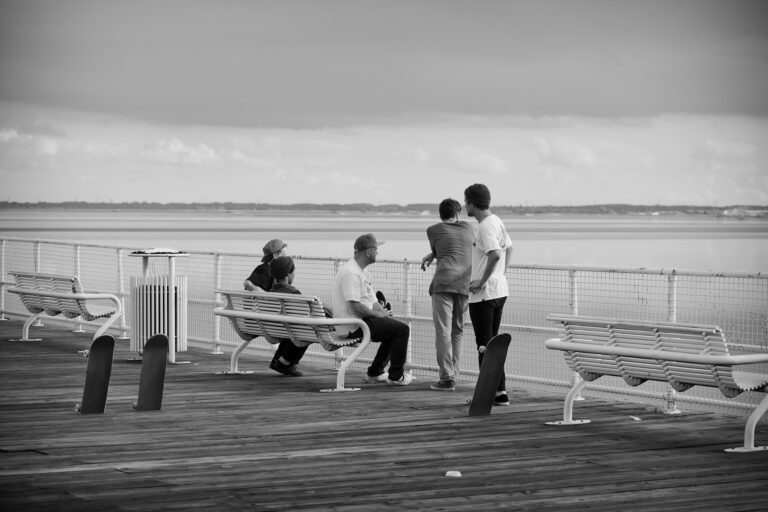
Following on from where we left off yesterday, cast your eyes below for the second part of Chris Johnson’s behind the scenes gallery from the...
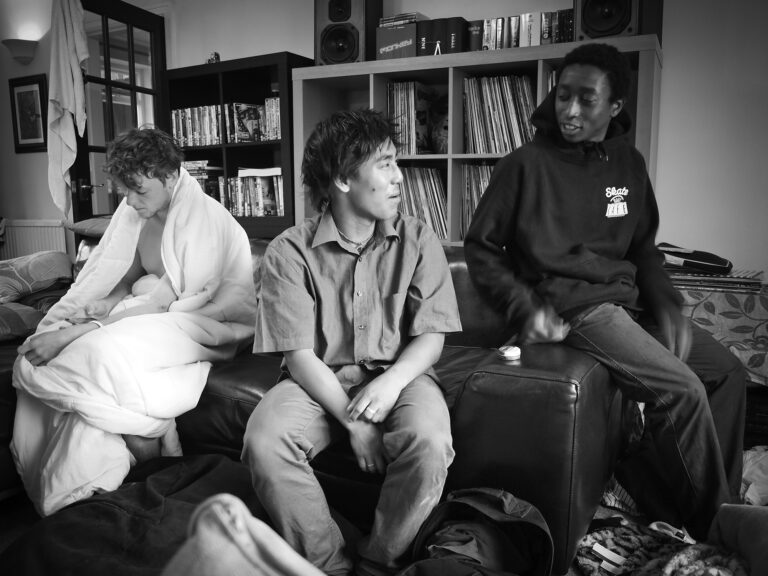
Chris Johnson takes you behind the scenes with the UK Vans crew during the filming of their latest webclip “Get In The Van 3” which...
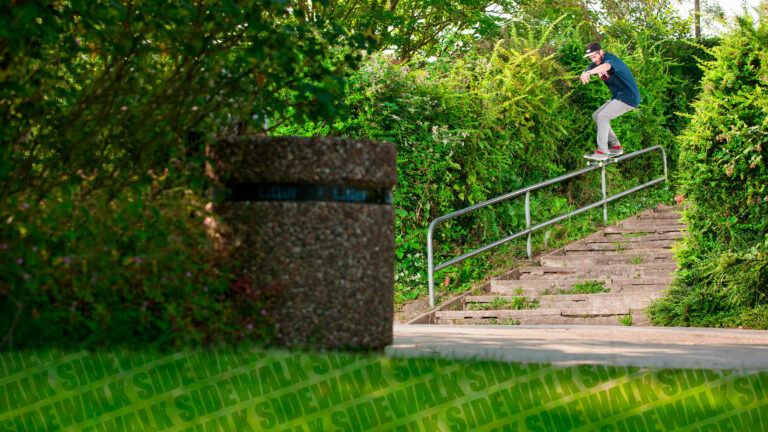
Photo: Chris Johnson. Select the correct size wallpaper for your computer, click on the image to enlarge, then right click “set image as desktop background”. Alternatively,...
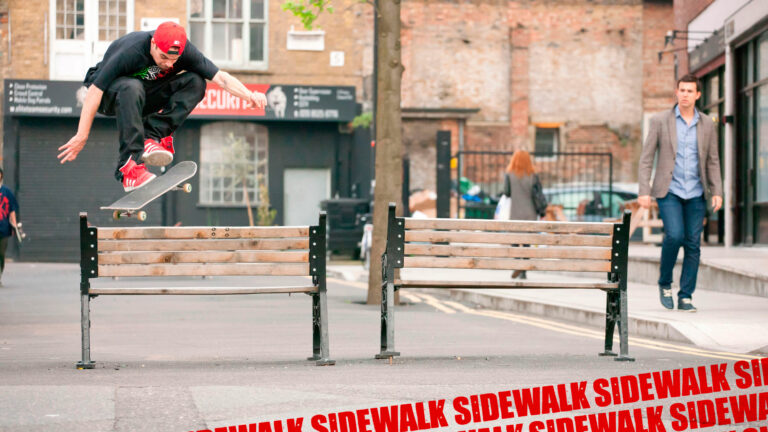
Photo: Chris Johnson. Select the correct size wallpaper for your computer, click on the image to enlarge, then right click “set image as desktop background”. Alternatively,...
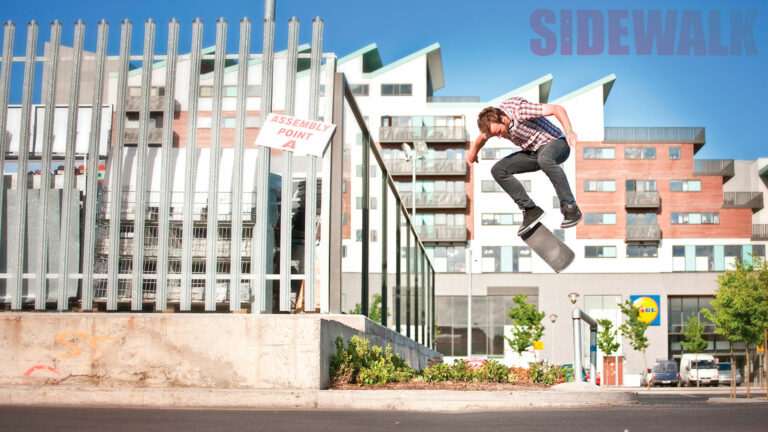
Photo: Chris Johnson. Select the correct size wallpaper for your computer, click on the image to enlarge, then right click “set image as desktop background”. Alternatively,...
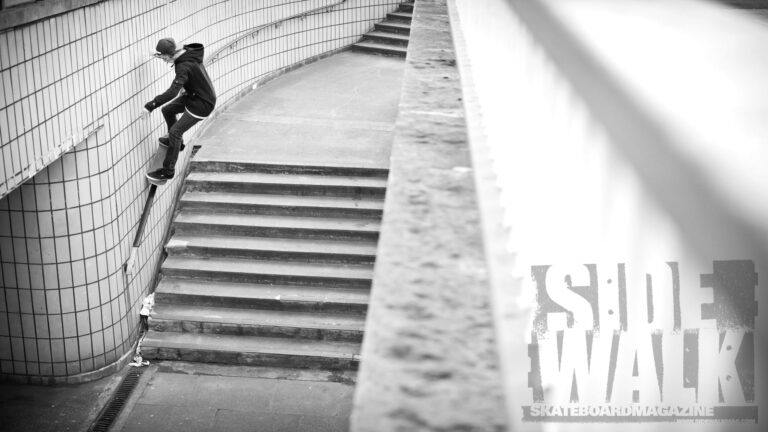
Photo: Chris Johnson. Select the correct size wallpaper for your computer, click on the image to enlarge, then right click “set image as desktop background”. Alternatively,...

Photo: Chris Johnson. Select the correct size wallpaper for your computer, click on the image to enlarge, then right click – “set image as desktop...
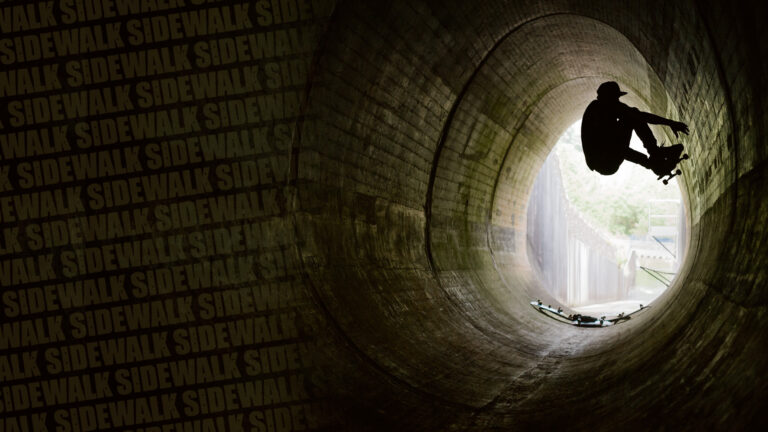
Photo: Sam Ashley. Select the correct size wallpaper for your computer, click on the image to enlarge, then right click “set image as desktop background”. Alternatively,...
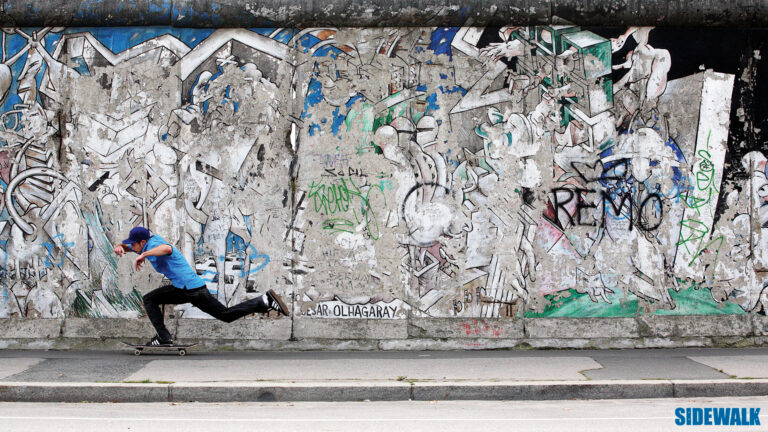
Photo: Andrew Horsley. Select the correct size wallpaper for your computer, click on the image to enlarge, then right click “save image”. Set that as your...