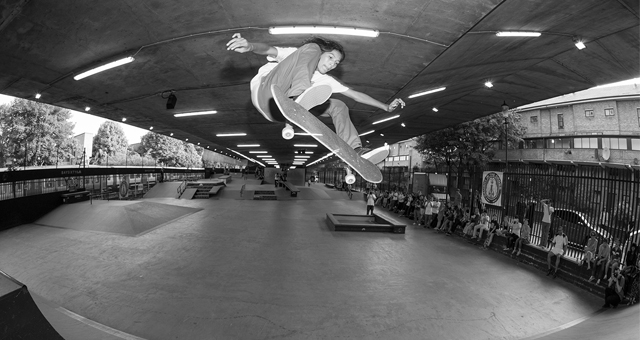
Back in the hazy (and quite literally boiling) days of early summer, the Flip crew rolled through the southern half of the country for their...
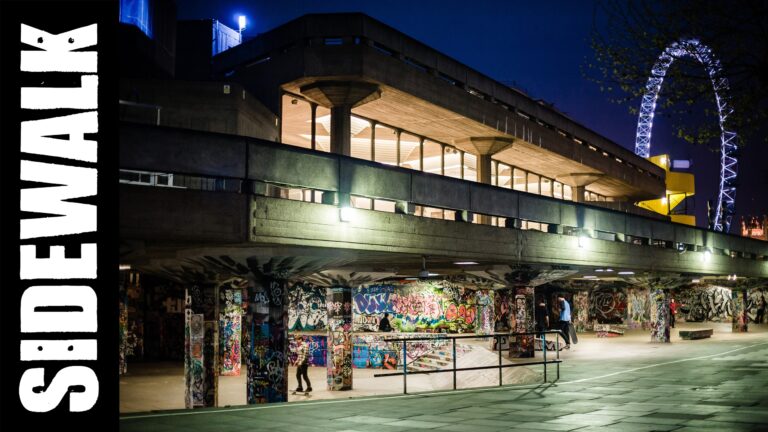
Long Live Southbank! Select the correct size wallpaper for your computer, click on the image to enlarge, then right click – “set image as desktop background”....
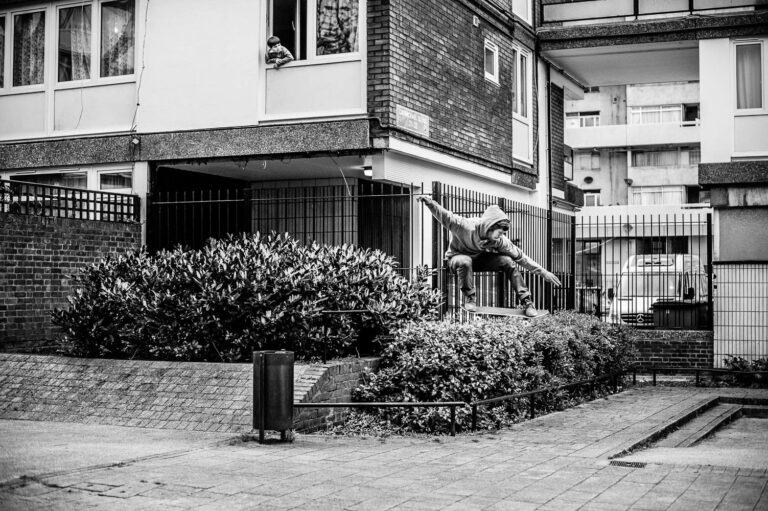
Sam Ashley has come through with an extended gallery from the recent Magenta Skateboards ‘Soleil Levant’ UK tour, featuring the likes of Leo Valls, Soy...

Photo: Leo Sharp. Select the correct size wallpaper for your computer, click on the image to enlarge, then right click – “set image as desktop background”....
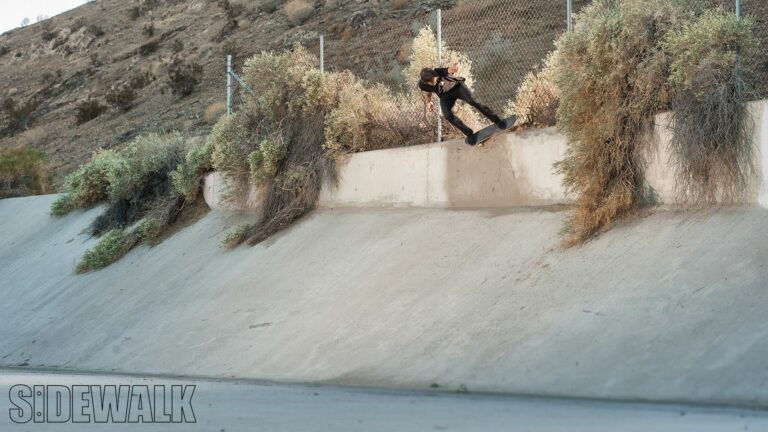
Select the correct size wallpaper for your computer, click on the image to enlarge, then right click – “set image as desktop background”. Alternatively, right...
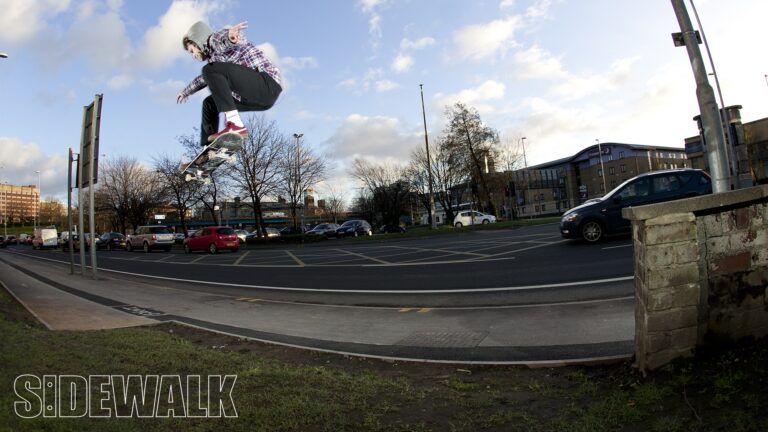
Photo: Reece Leung. Select the correct size wallpaper for your computer, click on the image to enlarge, then right click – “set image as desktop background”....
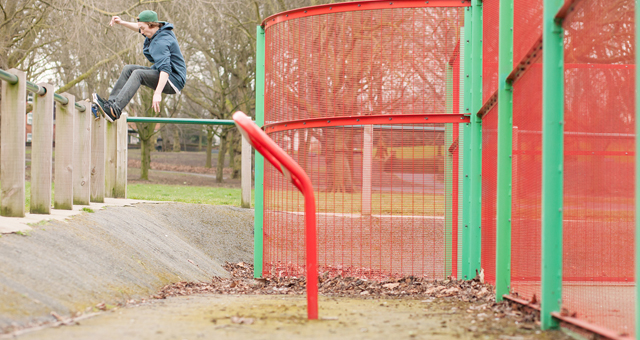
Photo: Chris Johnson. Select the correct size wallpaper for your computer, click on the image to enlarge, then right click – “set image as desktop background”....
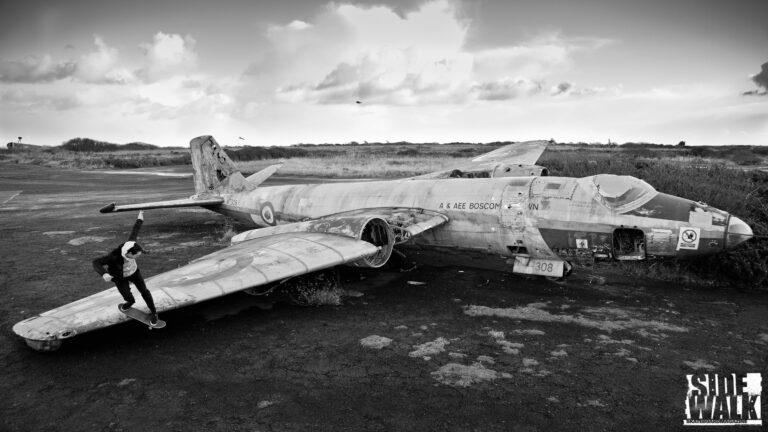
Photo: Leo Sharp – with thanks to BA (Hons) Fashion Photography at Falmouth University. Select the correct size wallpaper for your computer, click on the image...
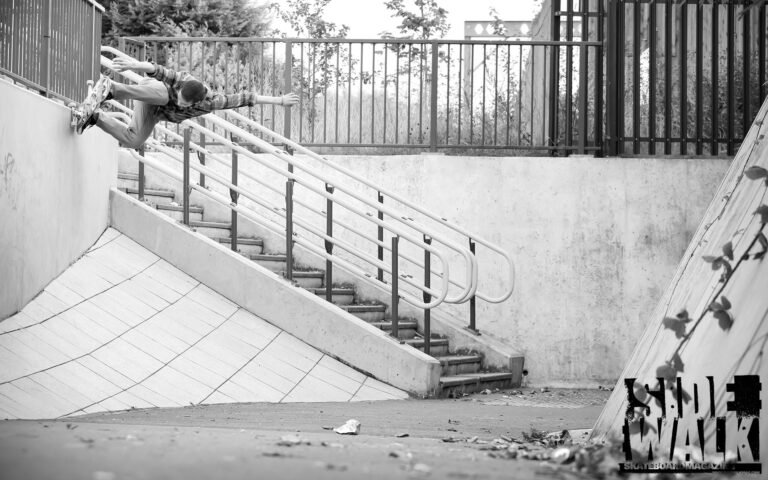
Photo: Chris Johnson. Select the correct size wallpaper for your computer, click on the image to enlarge, then right click – “set image as desktop background”....
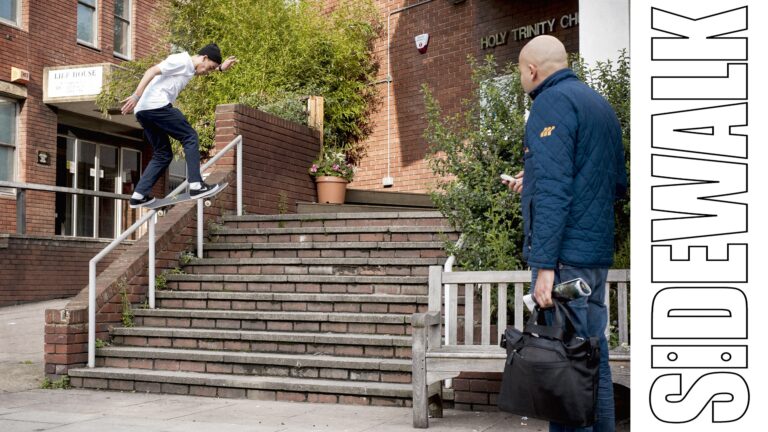
Photo: Rob Shaw. Select the correct size wallpaper for your computer, click on the image to enlarge, then right click – “set image as desktop background”....
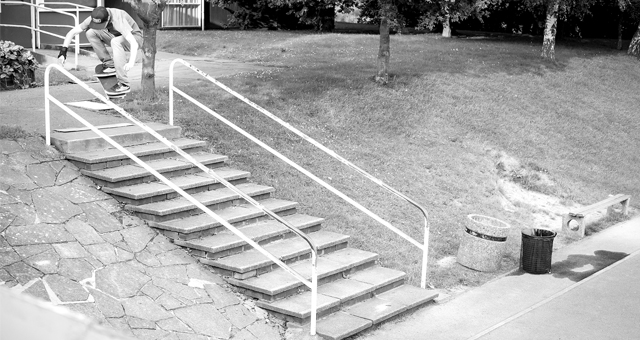
Photo: Chris Johnson. Select the correct size wallpaper for your computer, click on the image to enlarge, then right click – “set image as desktop background”....
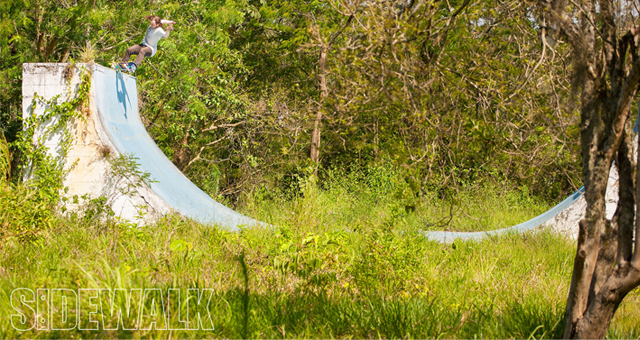
Photo: Chris Johnson. Select the correct size wallpaper for your computer, click on the image to enlarge, then right click – “set image as desktop background”....
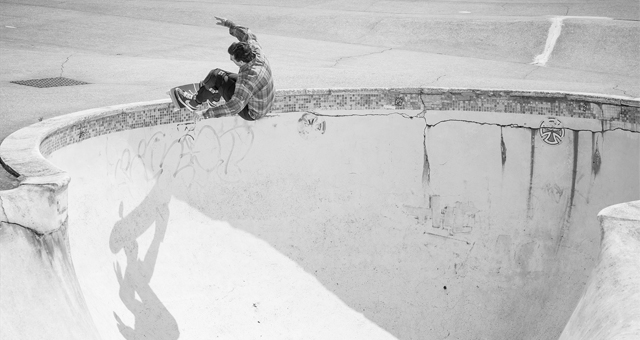
Photo: Chris Johnson. Select the correct size wallpaper for your computer, click on the image to enlarge, then right click – “set image as desktop background”....
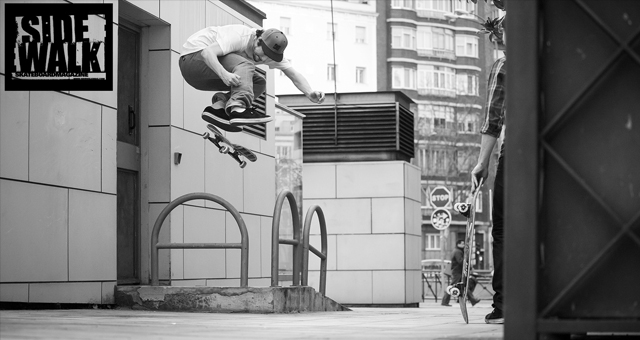
Photo: Chris Johnson. Select the correct size wallpaper for your computer, click on the image to enlarge, then right click – “set image as desktop background”....
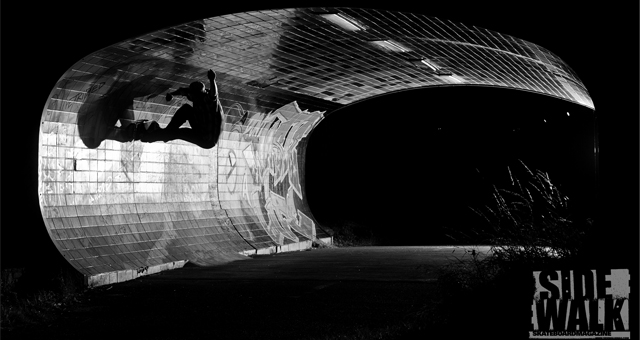
Photo: Leo Sharp. Select the correct size wallpaper for your computer, click on the image to enlarge, then right click – “set image as desktop background”....

Photo: Chris Johnson. Select the correct size wallpaper for your computer, click on the image to enlarge, then right click – “set image as desktop background”....
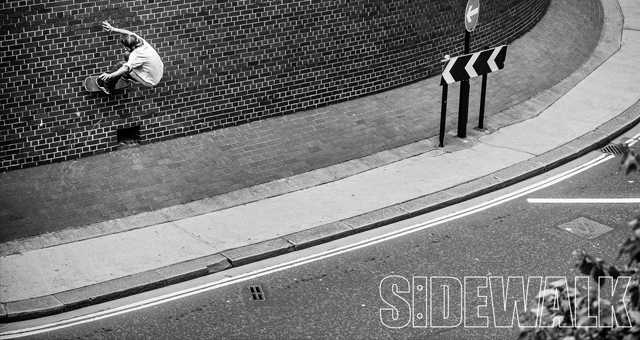
Photo: Sam Ashley. Select the correct size wallpaper for your computer, click on the image to enlarge, then right click – “set image as desktop background”....
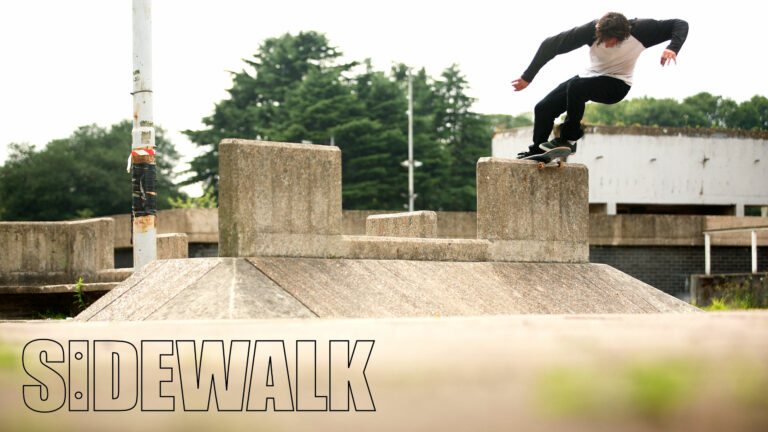
Photo: Andy Horsley. Select the correct size wallpaper for your computer, click on the image to enlarge, then right click – “set image as desktop background”....
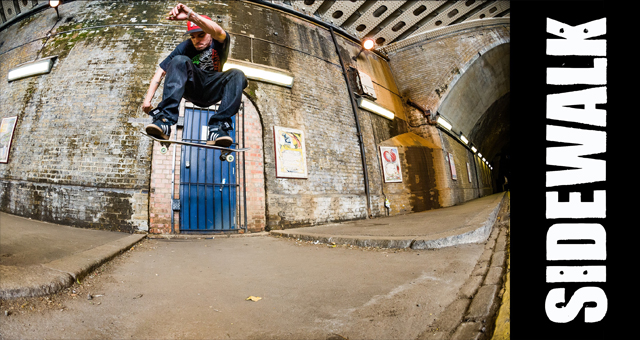
Photo: Sam Ashley. Select the correct size wallpaper for your computer, click on the image to enlarge, then right click – “set image as desktop background”....
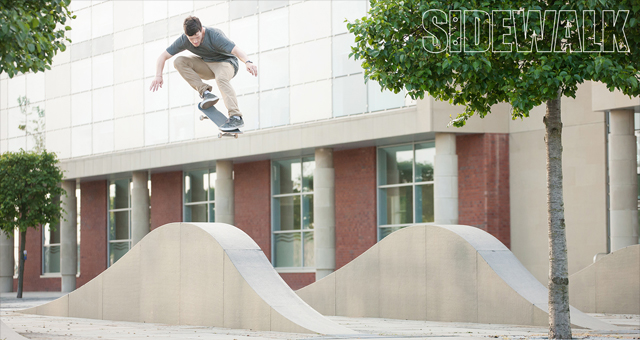
Photo: Chris Johnson. Select the correct size wallpaper for your computer, click on the image to enlarge, then right click – “set image as desktop background”....
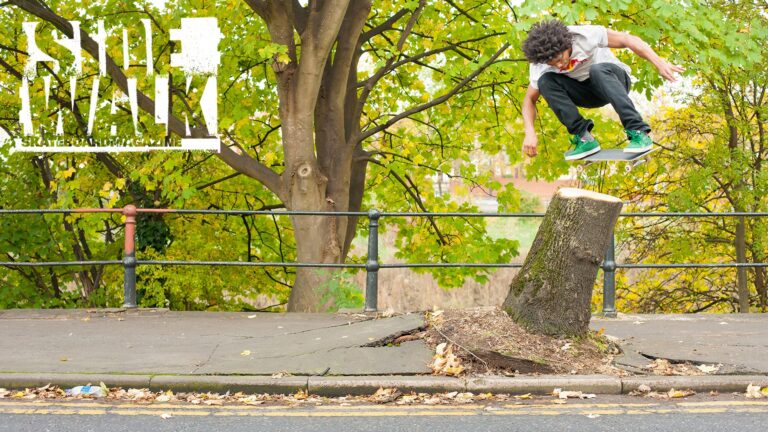
Photo: Chris Johnson. Select the correct size wallpaper for your computer, click on the image to enlarge, then right click ‘set image as desktop background’. Alternatively,...
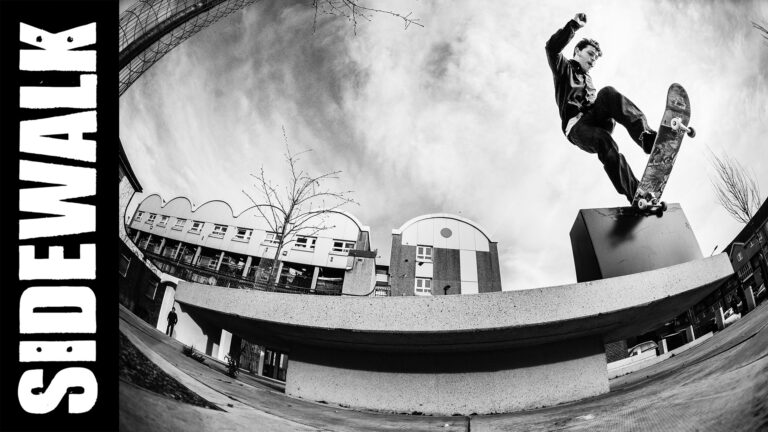
Photo: Sam Ashley. Select the correct size wallpaper for your computer, click on the image to enlarge, then right click – “set image as desktop background”....
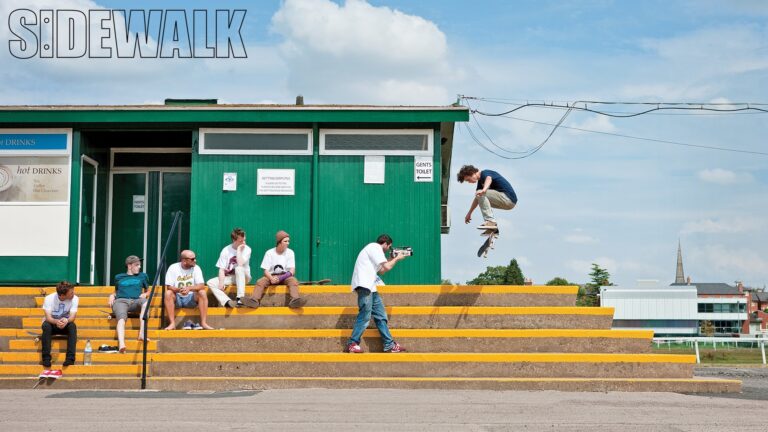
Double dip! Photo: Chris Johnson. Select the correct size wallpaper for your computer, click on the image to enlarge, then right click “set image as desktop background”....
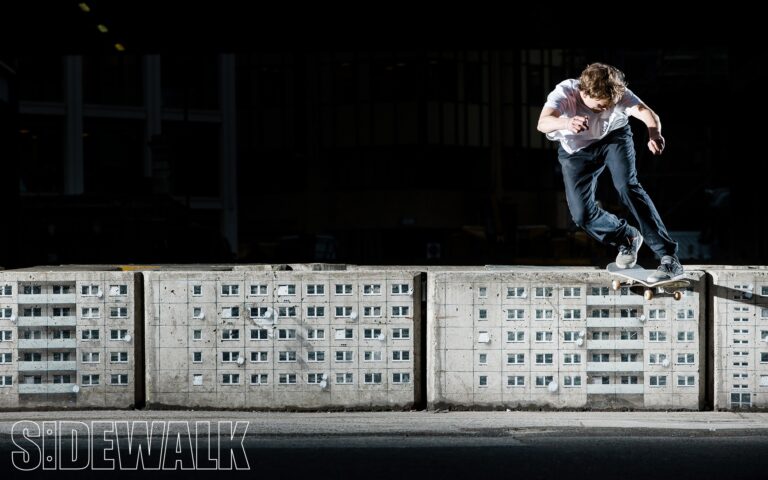
Photo: Sam Ashley. Select the correct size wallpaper for your computer, click on the image to enlarge, then right click – “set image as desktop background”....